Introducing My Real Exam Markings
When you come back from an official examination and mark the questions you saw, that report does two things: it strengthens the pool every student uses before their own exam, and it records what you actually faced. Until now only the first half was visible. The second half was scattered across individual questions.
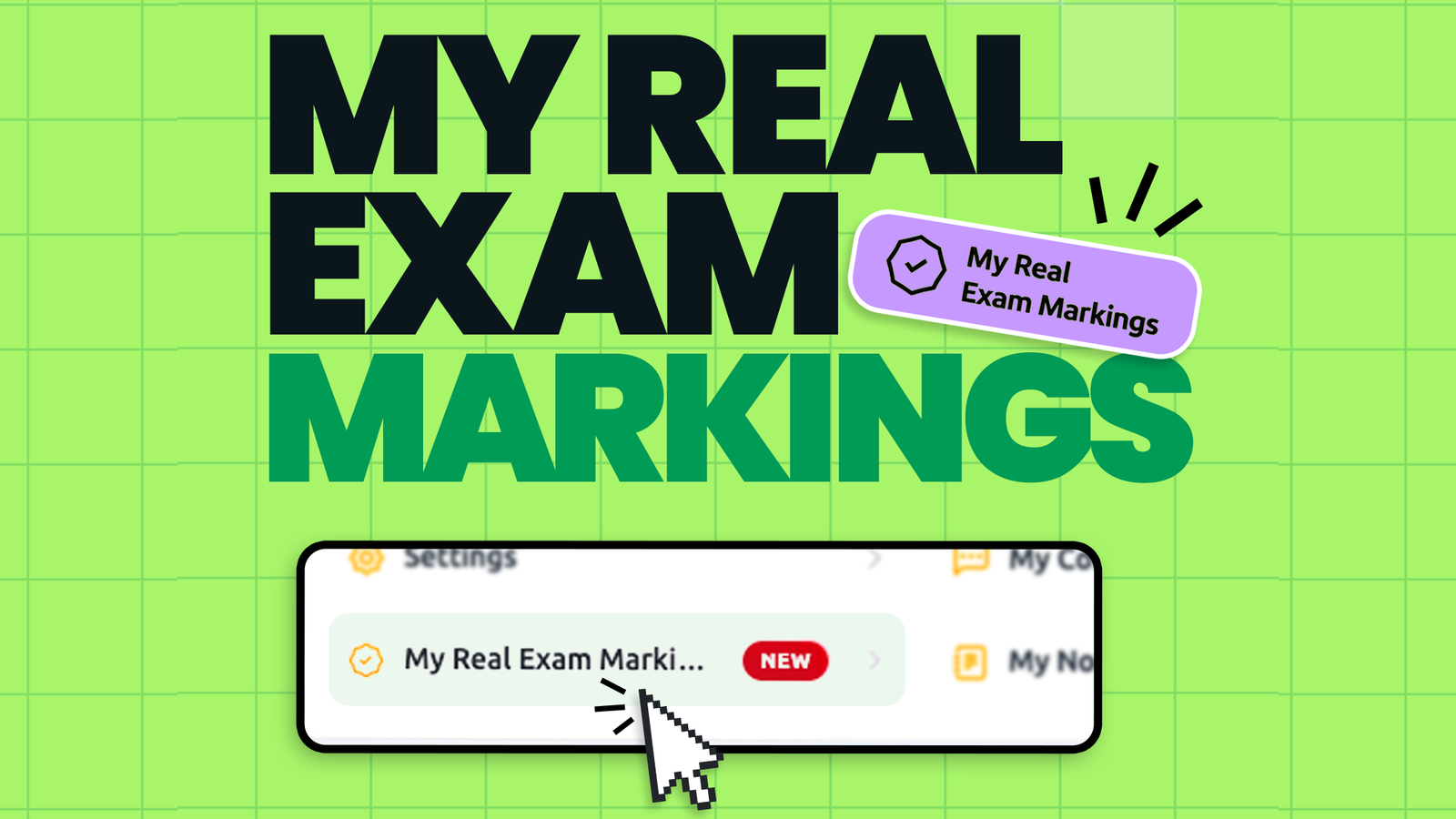
That changes with My Real Exam Markings — a new page in your dashboard that lists every real exam marking you have made, in one place.
What you will see
Open your dashboard and click My Real Exam Markings. Choose a subject, optionally narrow it down with a date range, and press Search. You get your own markings, newest first, and for each one:
- the question itself — click any row and it opens in full, with options, explanation and annexes;
- the country you reported the exam in;
- the date you made the marking;
- its status: Approved once our team has verified it, or Pending while it is still in review.
The list is paginated and the counter tells you how many markings match your filter, so a subject you sat two years ago is as easy to review as last week's exam.
Why we built it
Three requests kept arriving in support, and they were all really the same request.
"Did my report go through?" Markings are reviewed before they enter the shared pool — that review is what keeps the pool trustworthy. But until now you had no way to see whether yours had been approved. Now the status is right there next to each marking.
"I want to revise exactly what came up in my exam." If you are resitting a subject, or preparing a second exam in the same series, the questions you personally saw are the most relevant revision set that exists for you. They were scattered; now they are a list you can work through.
"Which questions have I already reported?" Before reporting a new sitting, it helps to know what you already submitted — no duplicates, no second-guessing.
Where it fits
My Real Exam Markings sits alongside My Comments and My Notes in your dashboard: three pages, three kinds of contribution, all listed the way you would expect. It is a reading and review page — you make markings where you always did, on the question itself, while you are going through your test.
One thing to keep in mind: markings are shown per subject, and a subject is only available while you hold an active package for it. If your package for that subject has expired, the markings stay recorded — they simply become visible again when the package is renewed.
How your markings help everyone else
Every approved marking feeds the two filters that students lean on in their final week: Only Real Exam Questions and Last Real Exam Questions. Those filters are not a list we invented — they are the sum of what students reported after their own sittings, verified and dated. We wrote about how and when to use them in When to use the Only Real Exam and Last Real Exam filters.
Which means the most useful thing you can do after your next exam takes about ten minutes:
- Sit the exam.
- Come back to the platform the same day, while recall is sharp.
- Mark the questions you saw, and select the country you sat the exam in.
- Check them later on My Real Exam Markings — and watch them turn from Pending to Approved.
Accuracy matters more than volume here. A handful of markings you are certain about is worth far more than a long list of maybes, both for the student who comes after you and for your own revision.
What is next
This first version focuses on listing and reviewing. Removing or editing a marking still happens on the question itself, and export is not available yet — both are on our list, and what we build next depends on what you tell us. If something is missing from the page, send it through the feedback form; those messages are exactly how this page came about.
Where to find it: Dashboard → My Real Exam Markings.