AI Comment Summaries: Every Discussion, Distilled
Every question has a discussion. Now you can read it in seconds.
Under many ATPL Questions items there is a lively comment thread: students debating which answer is really correct, sharing memory aids, and — most valuable of all — reporting when and where the question turned up in a real exam. That collective knowledge is gold. The problem is that on a popular question it can run to dozens of comments, and digging out the signal takes time you would rather spend studying.
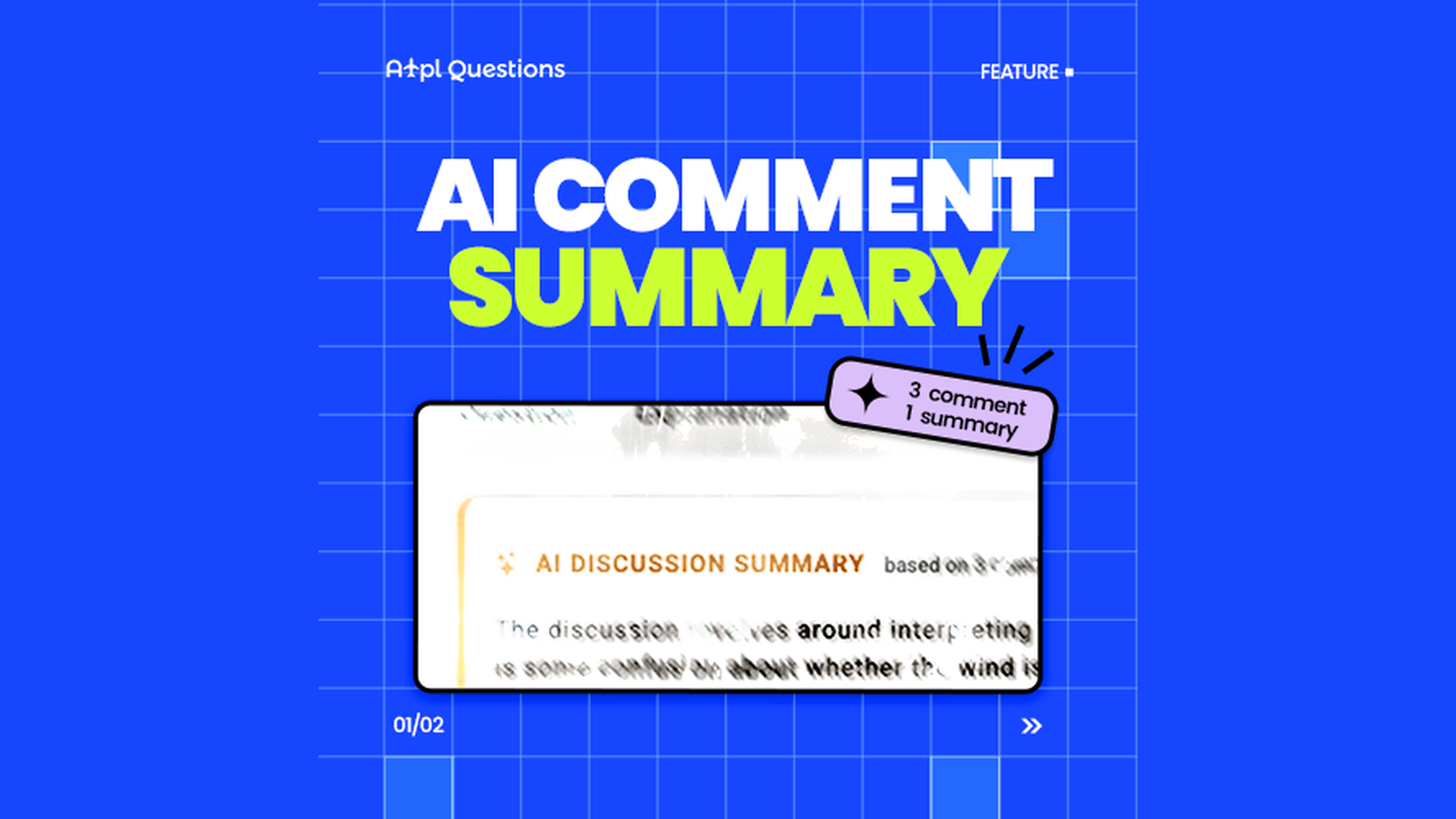
AI Comment Summaries fix that. At the top of the Comments tab you now get a short, neutral summary of the whole discussion — so you get the gist before you scroll.
Read the room in one glance: the consensus on the answer, real-exam sightings, and the best tips — without reading every comment.
What the summary captures
The summary is written to surface the three things students actually look for in a comment thread:
- The consensus — or the dispute — about the correct answer. If the thread broadly agrees, you will see it. If people disagree, the summary says so rather than pretending there is agreement.
- Real-exam reports. When commenters mention that a question appeared in an official exam — and when or where, if they said so — that is pulled to the front.
- Useful solving tips. Memory hooks, shortcuts and explanations that other students found worth sharing.
Comments from our editors — official ATPLQuestions staff — are weighted more heavily than anonymous chatter, so an authoritative clarification is not drowned out by the crowd.
Built to stay neutral and trustworthy
A summary is only useful if you can trust it, so the feature is deliberately conservative:
- It reports, it does not rule. The summary never decides for itself which option is correct — it only tells you what the commenters say. The official answer and explanation remain the source of truth.
- No names. It never identifies individual students.
- Spam and off-topic noise are ignored, so a couple of joke comments will not skew what you read.
Think of it as a neutral teaching assistant reading the thread for you — one that quotes the room but never overrules your answer key.
When you will see it
The summary appears at the top of the Comments tab whenever a question has enough discussion to be worth condensing — roughly three comments or more. Shorter threads are readable at a glance, so no summary is shown; nothing gets in your way when there is nothing to summarise.
What a summary looks like
Discussion summary — 27 comments
Most students agree the correct answer is B, citing the SERA definition; a minority argue for C but are corrected by an editor. Several report seeing this question on recent real exams.
- • Consensus on B; C is a common trap.
- • Reported on real exams (Austro Control, this month).
- • Tip: read the transition-altitude wording carefully.
Short, neutral, and to the point — an intro sentence or two followed by a few bullets. If you want the full nuance, the complete thread is right below it as always.
How to use it
- Open any question and go to the Comments tab.
- If the discussion is large enough, the AI summary sits at the top.
- Read the summary for the quick verdict, then scroll into the full thread whenever you want the detail.
The bottom line
The wisdom of thousands of students who sat the exam before you is one of the most powerful things about a shared question bank — but only if you can actually get to it. AI Comment Summaries turn a long thread into a few honest lines, so you spend less time reading comments and more time getting questions right.